

The app is free (MIT). Usage is billed on your Gladia API key.
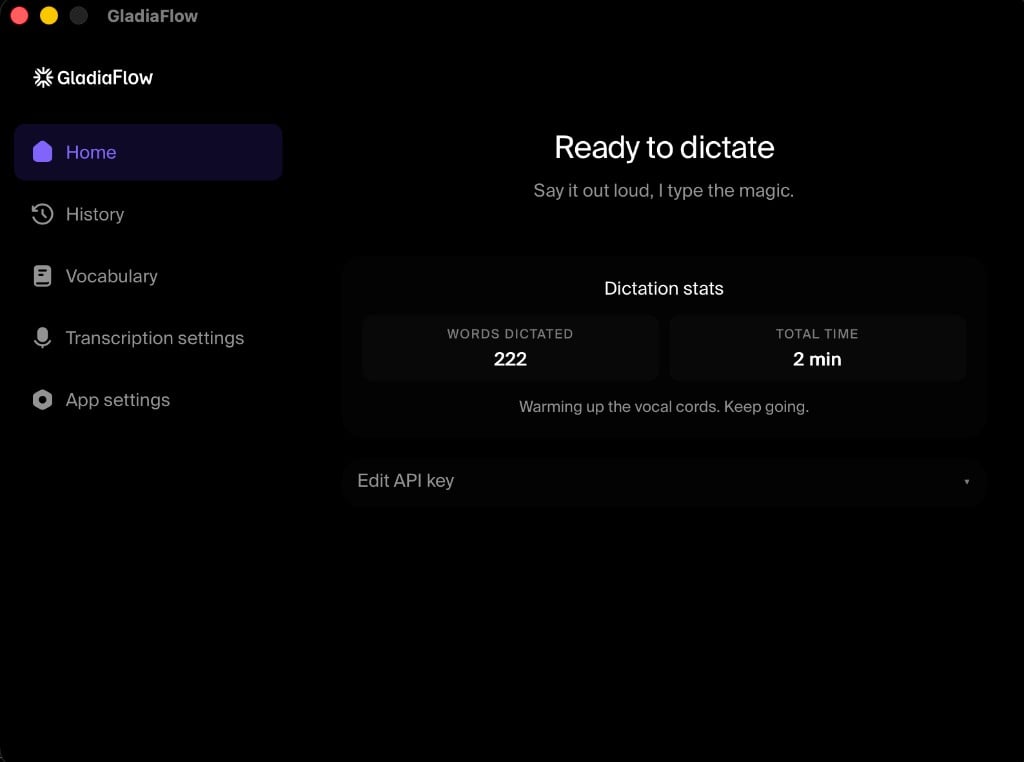
What you get
- Dictate anywhere: any focused text field
- Real-time streaming: partials and finals as you speak
- 100+ languages: auto-detect and mid-sentence code switching
- Custom vocabulary: names, acronyms, domain terms
- Push-to-talk or toggle: configurable global hotkey
- Open source: GitHub
Getting started
1
Download GladiaFlow
Use the GladiaFlow product page, or install from the latest GitHub release:
- macOS: universal DMG (Intel + Apple Silicon)
- Windows: NSIS installer (
.exe)
2
Create an API key
Copy a key from the Gladia dashboard.
3
Paste your key and dictate
Open GladiaFlow, paste your API key, grant microphone (and on macOS, Accessibility) permissions, then hold the hotkey and speak.