

What is Attendee?
Attendee is an open‑source, universal Meeting Bot API that can join Zoom, Google Meet, and Microsoft Teams calls, capture per‑participant audio, and route it to a transcription provider in real time. By connecting Gladia STT, you get accurate, multilingual transcription with perfect speaker diarization for your meeting recordings without building any of the bot or RTC plumbing yourself.Benefits of integration
- Single API for multiple platforms: Join and transcribe meetings from Zoom, Google Meet, and Microsoft Teams through one consistent API
- Open source: Self‑host Attendee or use the hosted version at app.attendee.dev
- Per‑participant audio: Third‑party transcription uses separate audio streams for perfect speaker diarization on Zoom and Google Meet
- Multilingual: Gladia supports automatic language detection and code switching for speakers who change languages mid‑sentence
- Real‑time webhooks: Receive
transcript.updateevents as utterances are produced
What you can build
- Meeting assistants that take notes, summaries, and action items
- LLM agents that join calls and understand participants in real time
Setup instructions
Prerequisites
- An Attendee account (hosted at app.attendee.dev or self‑hosted) with an API key
- A Gladia account with an API key
Add your Gladia API key in Attendee
Attendee calls Gladia with an API key that you provide:- Sign up for a Gladia account if you don’t have one
- Copy your key from the Gladia dashboard: app.gladia.io/apikeys
- In Attendee, go to Settings → Credentials and find the Gladia Credentials card, then click Add Credentials
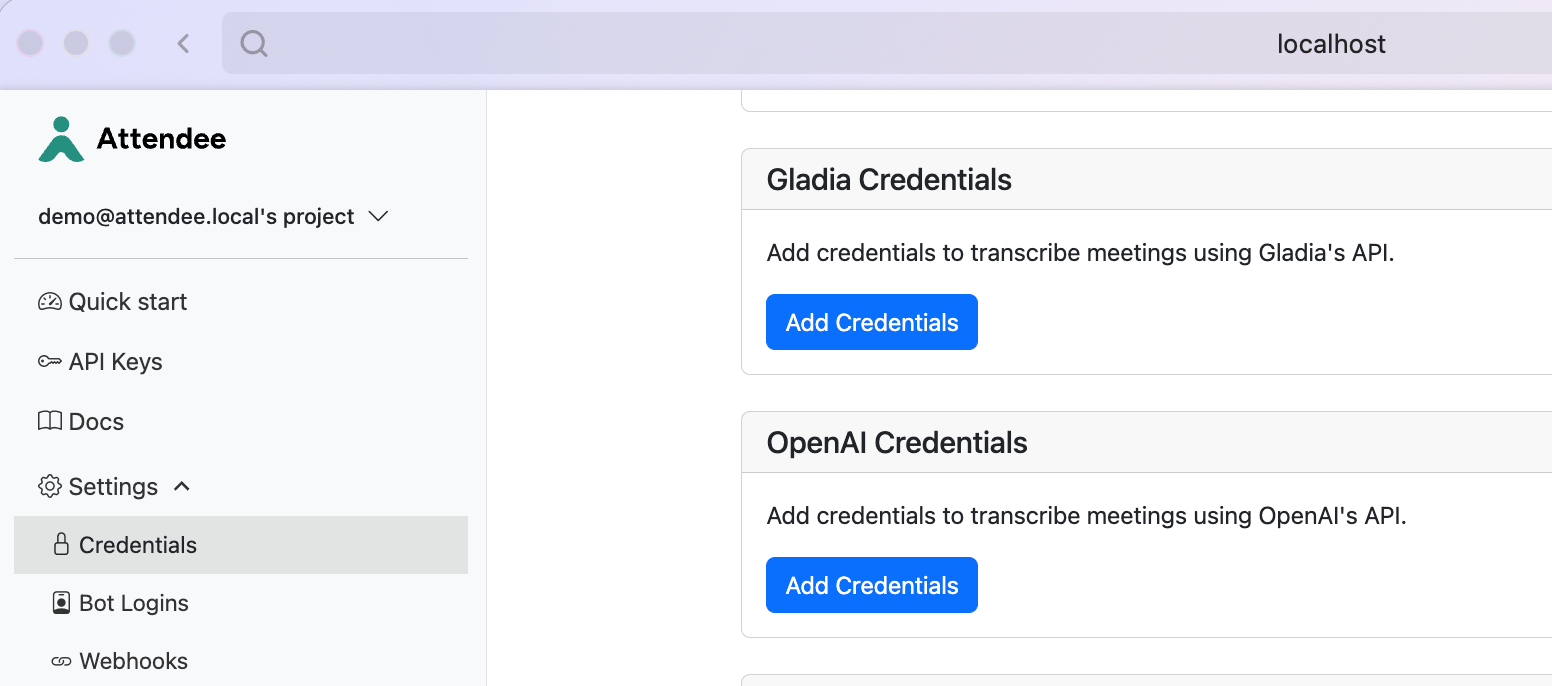
Settings → Credentials in the Attendee dashboard
- Paste your Gladia API key and click Save Credentials
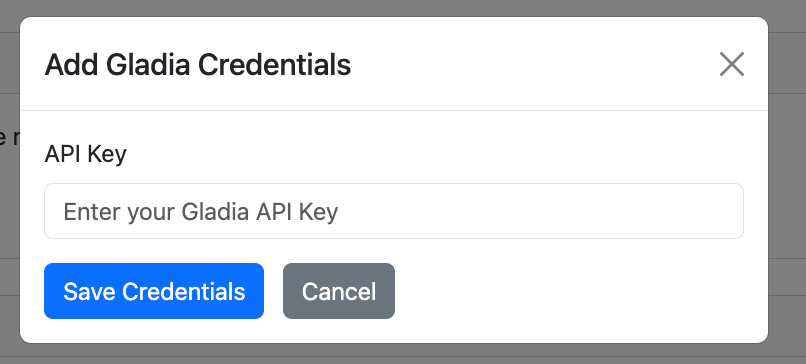
Add your Gladia API key
Quickstart via API
When creating a bot, select Gladia as the transcription provider in thetranscription_settings object of the Create Bot request:
Gladia provider options
Set Gladia‑specific options inside thegladia object:
Example with code switching enabled:
Fetching transcripts
Receive utterances in real time by enabling thetranscript.update webhook trigger in Settings → Webhooks, or pull the transcript during and after the meeting from the /transcript endpoint.
Next steps
Get your API key
Get your API key on the Gladia dashboard
Attendee docs
Explore the Meeting Bot API and transcription settings
Attendee on GitHub
Self‑host the open‑source Meeting Bot API