> ## Documentation Index
> Fetch the complete documentation index at: https://docs.gladia.io/llms.txt
> Use this file to discover all available pages before exploring further.
# GladiaFlow
> Real-time voice dictation for your desktop.
[GladiaFlow](https://www.gladia.io/gladiaflow) is our open-source desktop app for macOS and Windows.
Hold a hotkey, speak, and text is pasted into the focused app (Slack, Notes, or Notion for example)
The app is free (MIT). Usage is billed on your Gladia API key.
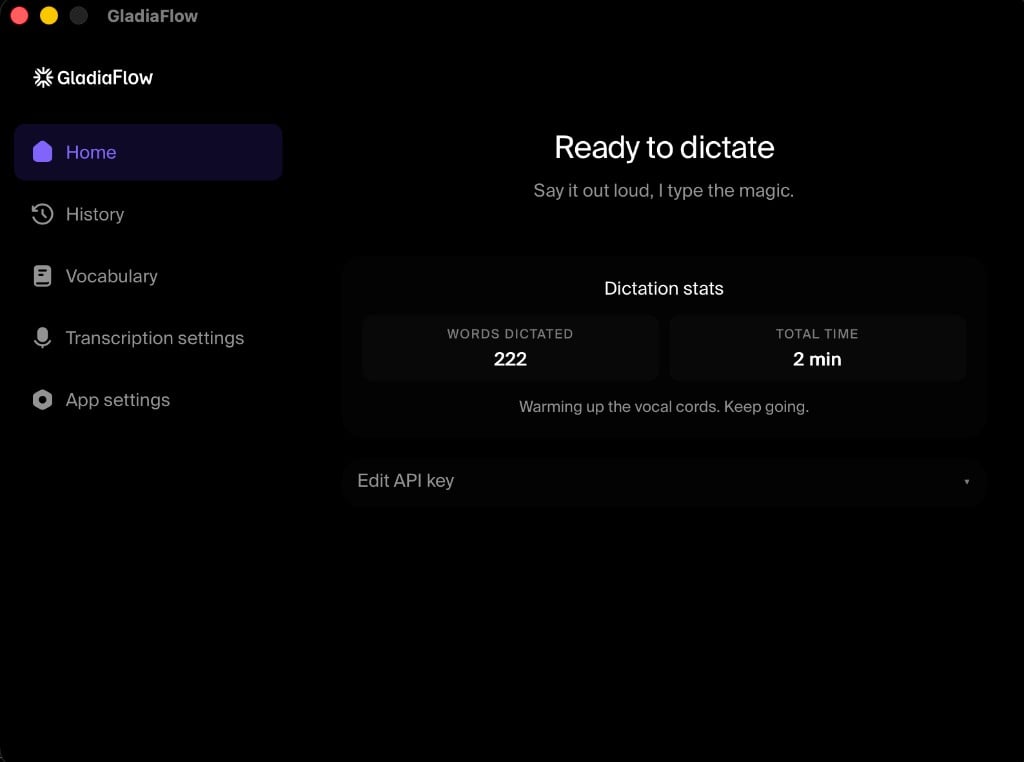 ## What you get
* **Dictate anywhere**: any focused text field
* **Real-time streaming**: partials and finals as you speak
* **100+ languages**: auto-detect and mid-sentence [code switching](/chapters/language/code-switching)
* **Custom vocabulary**: names, acronyms, domain terms
* **Push-to-talk or toggle**: configurable global hotkey
* **Open source**: [GitHub](https://github.com/gladiaio/gladiaflow)
## Getting started
Use the [GladiaFlow product page](https://www.gladia.io/gladiaflow), or install from the [latest GitHub release](https://github.com/gladiaio/gladiaflow/releases/latest):
* **macOS**: universal DMG (Intel + Apple Silicon)
* **Windows**: NSIS installer (`.exe`)
Copy a key from the [Gladia dashboard](https://app.gladia.io/apikeys).
Open GladiaFlow, paste your API key, grant microphone (and on macOS, Accessibility) permissions, then hold the hotkey and speak.
| Platform | Default trigger |
| -------- | --------------- |
| macOS | Fn (Globe) |
| Windows | Ctrl + Space |
The app is free. Transcription is pay-as-you-go on the same Gladia key you use for API or SDK usage.
## What you get
* **Dictate anywhere**: any focused text field
* **Real-time streaming**: partials and finals as you speak
* **100+ languages**: auto-detect and mid-sentence [code switching](/chapters/language/code-switching)
* **Custom vocabulary**: names, acronyms, domain terms
* **Push-to-talk or toggle**: configurable global hotkey
* **Open source**: [GitHub](https://github.com/gladiaio/gladiaflow)
## Getting started
Use the [GladiaFlow product page](https://www.gladia.io/gladiaflow), or install from the [latest GitHub release](https://github.com/gladiaio/gladiaflow/releases/latest):
* **macOS**: universal DMG (Intel + Apple Silicon)
* **Windows**: NSIS installer (`.exe`)
Copy a key from the [Gladia dashboard](https://app.gladia.io/apikeys).
Open GladiaFlow, paste your API key, grant microphone (and on macOS, Accessibility) permissions, then hold the hotkey and speak.
| Platform | Default trigger |
| -------- | --------------- |
| macOS | Fn (Globe) |
| Windows | Ctrl + Space |
The app is free. Transcription is pay-as-you-go on the same Gladia key you use for API or SDK usage.